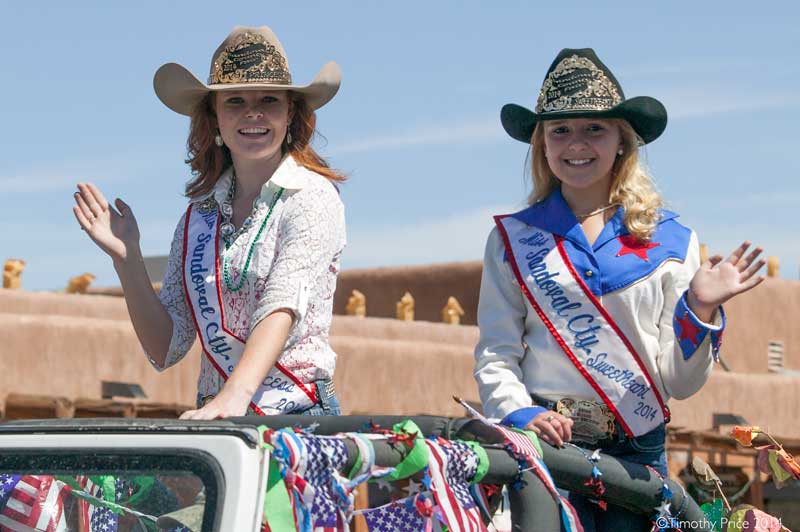
Great parade photos, Timothy. Thanks for the view into Corrales life! It was pretty quiet here. Fewer fireworks in general than I remember last year, but I saw a few good ones on the way home from the gig last night.
Hi Timothy. Sorry for asking a silly question..Can I ask you the dimension of the photographs you are using to upload here? Is it less then 900*600? Are you selecting large or medium files?
I resize my photos to 800 pixels on the long side which ends up 800 x 532 or 800 x 533 depending on the camera I’m using. I use the “Save for Web” function in photoshop to create the jpegs I upload to my blog, and use whichever file size (from Large to Low) that gets the files closest to 100kb (I don’t upload images larger than 100kb to my blog).
The Save for Web function reduces the files to manageable sizes for the web, but they will still look good on the screen. If anyone downloads photos off my blog, the files are too low res to print well.
Thanks a lot for a full answer! I also use “Save for Web” function. And I resize to 1000*960, something like that..But when I upload photos for post I can’t understand why are they not similar sizes? I just want to keep them consistent…
The CSS in your blog theme is what’s restricting the size of your photos on your blog page. If you are doing a custom theme, then you need to increase the width of the space inside the pink background. If you click on any of your photos they are full the full 1000×960.
I’m careful to choose bog themes that will size to the full browser width, so my photos are full size in the blog page.
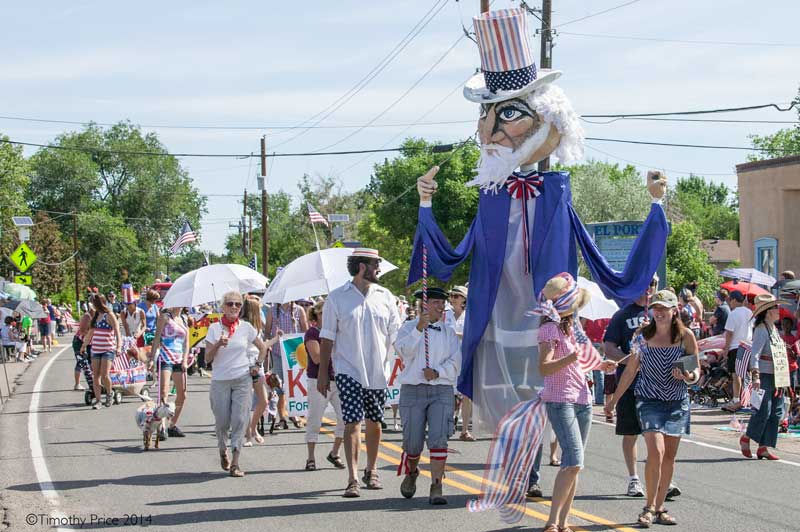
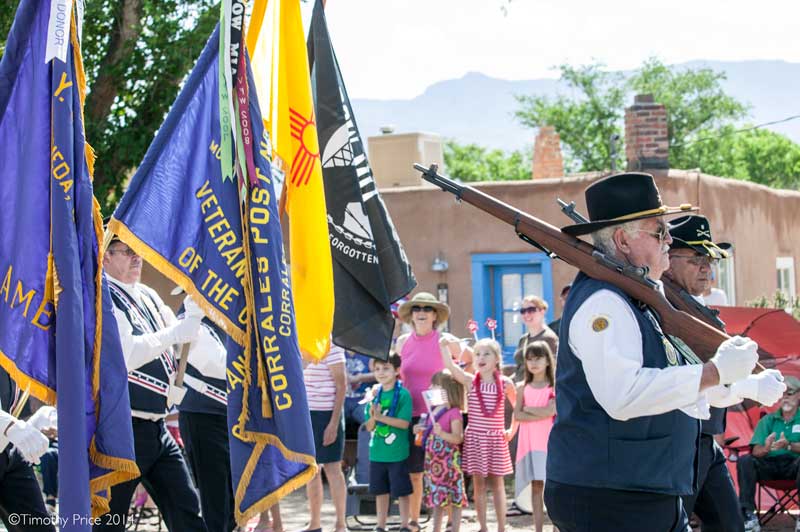


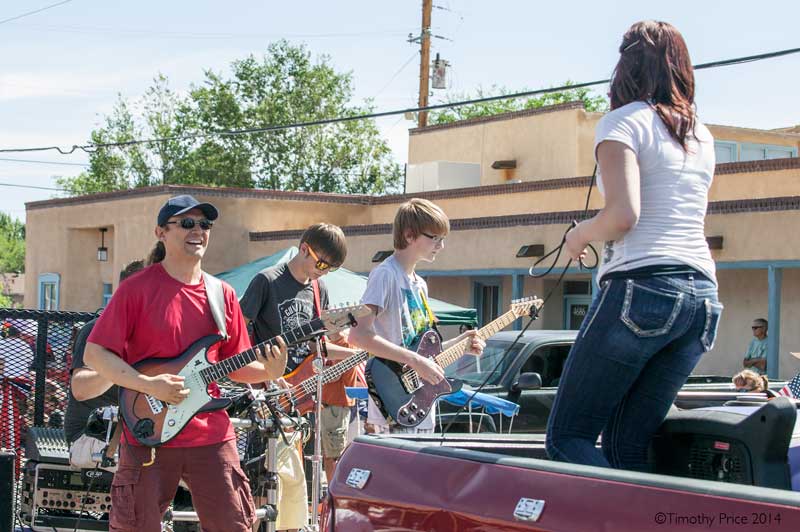


🙂 Nice street photo~
Thanks!
Oh, these are as good as I thought they would be! A real Fourth of July Parade! Thanks for sharing. 🙂
Thanks, Susan! I have a lot more photos.
Great parade photos, Timothy. Thanks for the view into Corrales life! It was pretty quiet here. Fewer fireworks in general than I remember last year, but I saw a few good ones on the way home from the gig last night.
Thanks, Lavinia! We watched Albuquerque’s fireworks show filtered through the trees.
Hi Timothy. Sorry for asking a silly question..Can I ask you the dimension of the photographs you are using to upload here? Is it less then 900*600? Are you selecting large or medium files?
I resize my photos to 800 pixels on the long side which ends up 800 x 532 or 800 x 533 depending on the camera I’m using. I use the “Save for Web” function in photoshop to create the jpegs I upload to my blog, and use whichever file size (from Large to Low) that gets the files closest to 100kb (I don’t upload images larger than 100kb to my blog).
The Save for Web function reduces the files to manageable sizes for the web, but they will still look good on the screen. If anyone downloads photos off my blog, the files are too low res to print well.
Does that help?
Thanks a lot for a full answer! I also use “Save for Web” function. And I resize to 1000*960, something like that..But when I upload photos for post I can’t understand why are they not similar sizes? I just want to keep them consistent…
The CSS in your blog theme is what’s restricting the size of your photos on your blog page. If you are doing a custom theme, then you need to increase the width of the space inside the pink background. If you click on any of your photos they are full the full 1000×960.
I’m careful to choose bog themes that will size to the full browser width, so my photos are full size in the blog page.
Thanks Timothy. I’m moving to a different self-hosting company, so many things to learn!!
Looks like it was a great day!
It was fun! Thanks, Julia!
Had NO idea it was this festive!! Should plan to go next year!!!!
Thanks for sharing the parade photos, Tim. Looks like it was a fun day.