

Dawn

Gwendolyn

Spunk watching his new iPad update before it transferred everything from the old iPad.

Roasting coffee
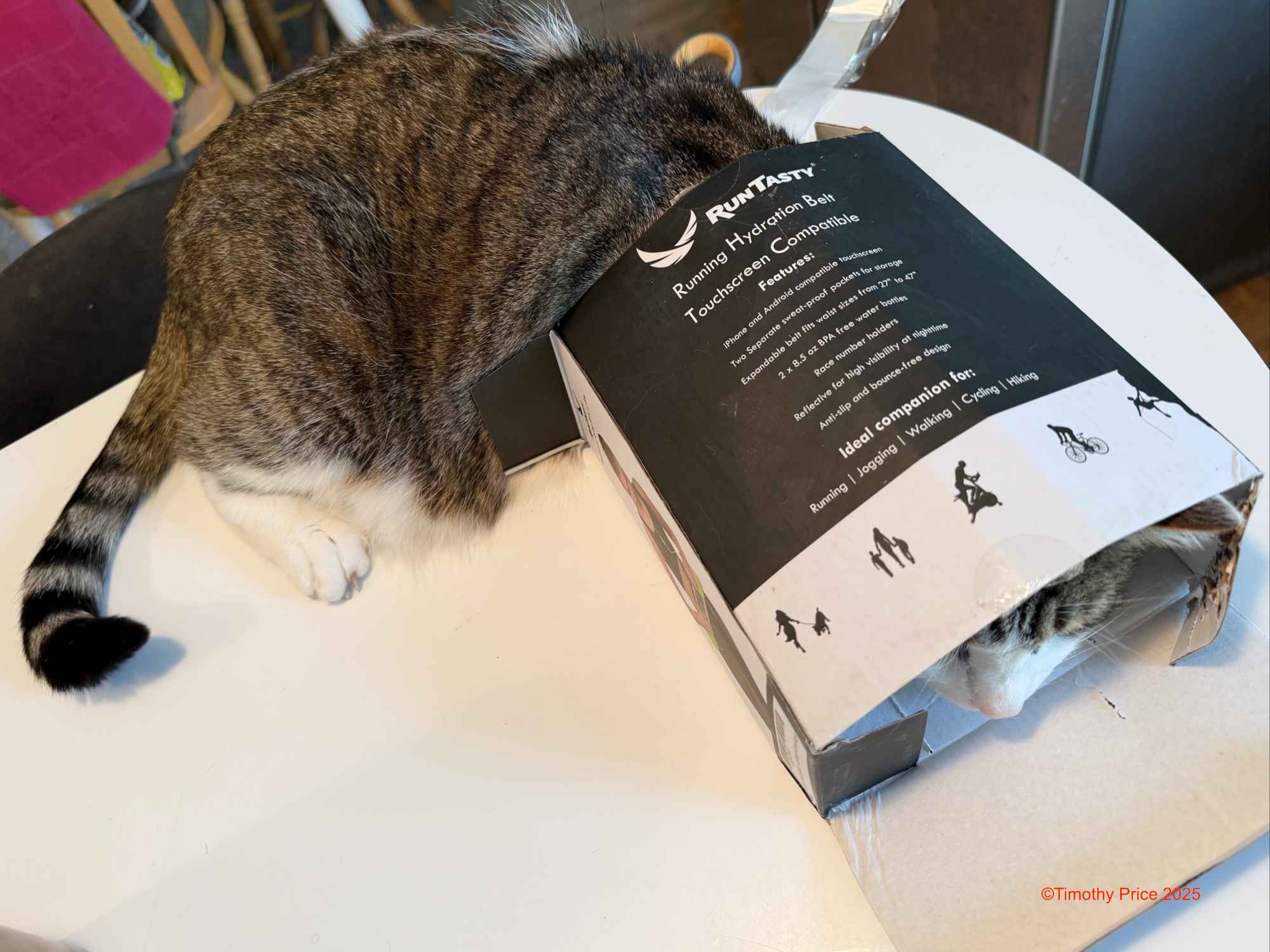
He had to try out a new box while waiting for the iPads.

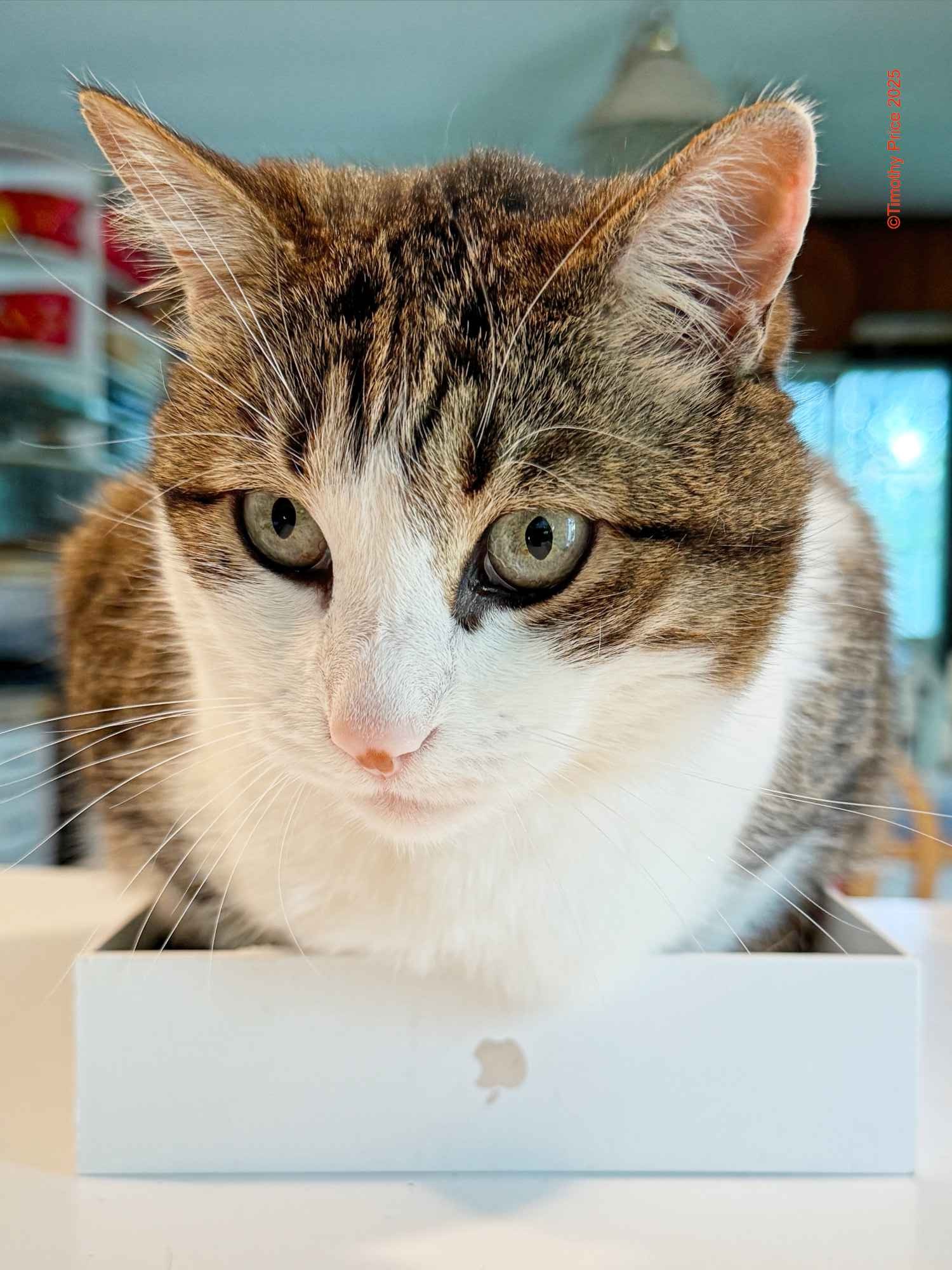
Happy Spunk Kitty
Dawn
Gwendolyn
Spunk watching his new iPad update before it transferred everything from the old iPad.
Roasting coffee
He had to try out a new box while waiting for the iPads.
Happy Spunk Kitty

No roses under the Pink Moon for me today. I wasn’t going to post today, but I decided to simply complain.

I have almost finished migrating 14 new Silicon Mac Minis with M2 processors from 14 three-year-old Silicone Mac Minis with M1 processors. Apple’s Migration Assistant is flawless, so as far as users who think they won’t get fooled again are concerned, the new Mac Mini the same as the old Mac Mini, just a whole lot faster. One staff member was surprised to learn she had a new computer almost a week after I changed out her computers.
Of course, when you migrate to a new computer, you have to log back into all the applications that require authentication. I had no problem with Adobe apps. I had to upgrade to AutoCAD 2025 because AutoCAD 2024 isn’t compatible with the M2 processor. But then there’s Microsoft Office 365…

Microsft taunting me with a Windows reflecting on the wall.
I have Microsoft Office 365 Business for the office. When I set up the M1 Mac Minis three years ago, with the help of a Microsoft tech, I turned off the requirement to use the Microsoft Authenticator app in my Office 365 dashboard because Authenticator app didn’t work. It’s useless. Three years later, I discovered they snuck it back in. When I tried to log into Office 365, it required me to scan a QR code that took me to a scam page on the QR reader that wanted a credit card number. Grrrr! I had no option to choose “Text me a code!” for example. I was livid, to say the least. I found where some of the Authenticator settings had been turned back on in the Office 365 dashboard, probably by updates. But I still didn’t have it turned off.
I had a Microsft tech call me. When I answered, he asked how I was doing. I told him I was really pissed, frustrated, super cranky, fed up with dealing with stupid Microsoft products, and never wanted to be asked to authenticate anything with Microsoft Authenticator ever again! He got me straight to the hidden pages that allowed me to delete MS Authenticator and use “Text me a code.” for authentication instead.
Enough complaining. Now for some owl news:


Walter and Willa watching for Nora Owl, waiting to be fed.

Osric Owl was hooting up a storm nearby. We went to investigate. It was a distraction tactic…
Osric’s tatic worked. While we were looking for him, Nora brought Walter and Willa dinner. It was dark and hard to focus, so we never saw what she brought them.


In the first two photos she tearing up dinner for the owlets. In the third photo she is giving us a stren look. She was probably thinking about how Osric’s tactic was no longer working, since he had moved to the top of the tree north of us, and was still hooting up a storm, but there we were gawking at her.

Osric kept hooting and hooting until Nora finished feeding the kids. Then they both flew off.

Walter and Willa happy to have full tummies.

The sunset was coluding with Orsic to distract us so Nora could go in for the feed.

I went outside to check out Dawn this morning. She was colorful and quite lovely.

Jupiter was high in the sky, bright and shining.

Then it dawned on me that I should add some of my vintage cameras to my Mac Museum at the office.
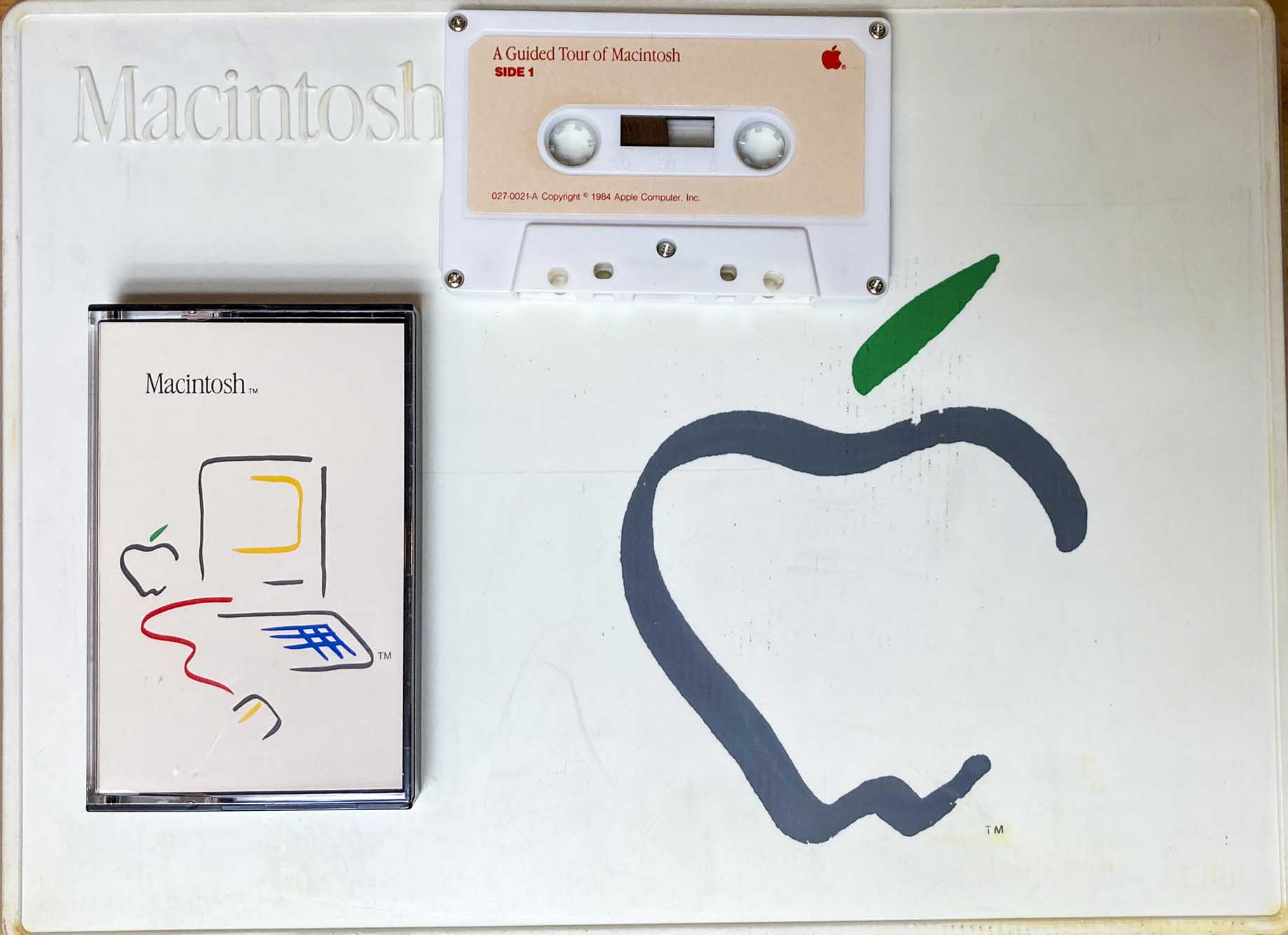
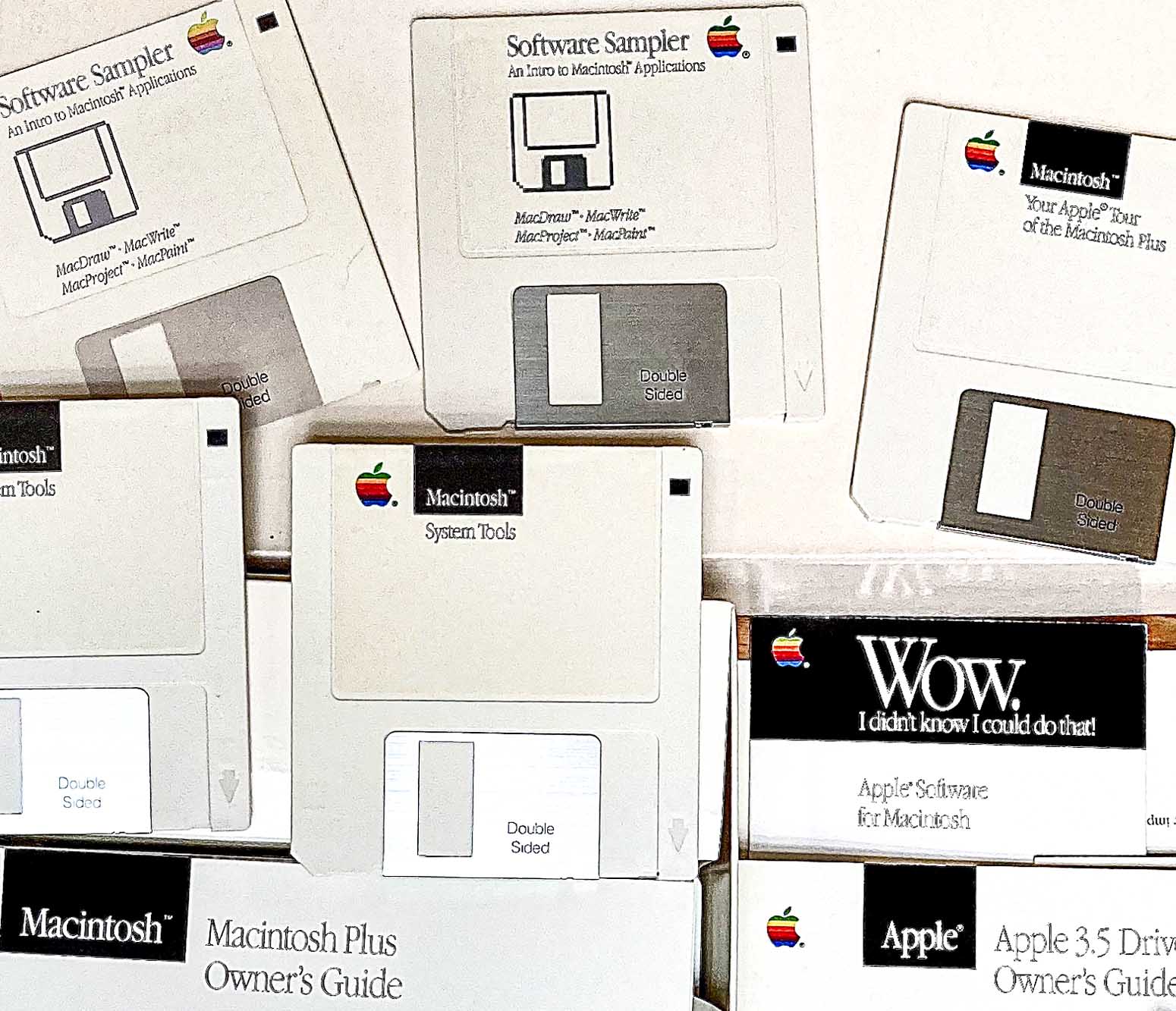
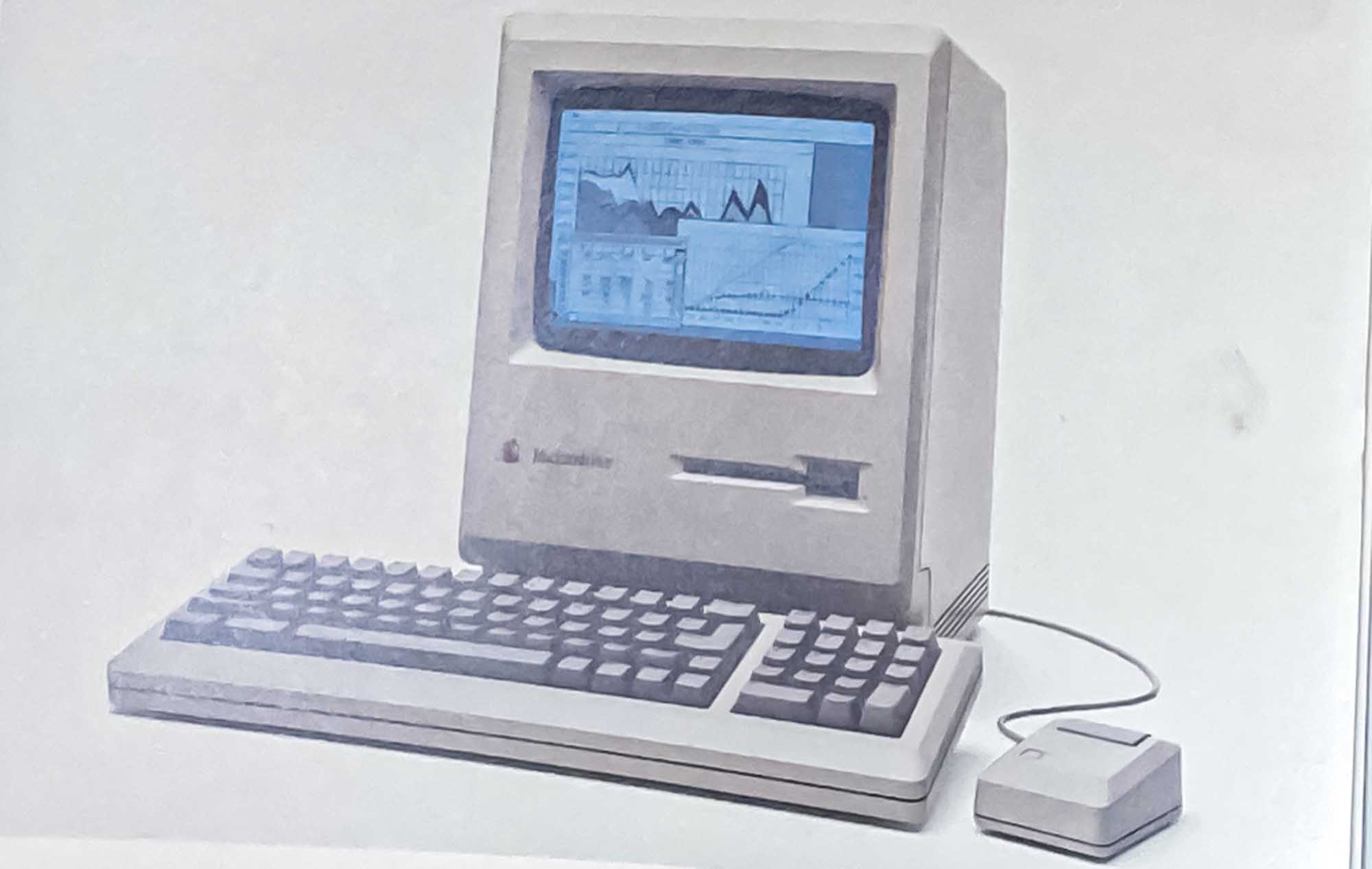
I’ve been cleaning out shelves in my office area and I came across the media packets that came with the first Macintosh we got in 1984 followed by the first Macintosh Plus we got in 1986. The Macintosh had 128K of RAM and one 3.5 inch diskette drive, no hard drive. The process for using it was 1) you booted the computer with the System diskette. 2) You ejected the system diskette and inserted the Program diskette and opened the program, such as MacPaint. 3) You MacPainted to create your graphics. 4) You selected Save to save your graphic file, which ejected the Program diskette. 5) You inserted a diskette to save your file. 6) If the diskette wasn’t formatted, then you would have to click on Yes to format the diskette, and 7) save your file.
I’m trying to remember if when you quit the Program and Shut Down the Macintosh if it asked you to put the Program diskette and then the System diskette back in before it shut down, or if it simply ejected whichever diskette was in the drive before it shut down. I think there was a lot of ejecting and inserting the different diskettes before it shutdown.
We got an external disk drive with the first Macintosh Plus, which meant we could have a program diskette in the computer and a file diskette in the external drive. Our next Macintosh plus had two disk drives. We got external hard drives for the Macintosh Pluses before the SEs and SE/30s came out with internal hard drives. When we got one Macintosh Plus and a Macintosh Laserwrtier in 1986, the pair cost over $10,000 — around $3K for the Macintosh Plus and $7K for Laserwriter. That’s around $23,700 ($7.1K and $16.6K respectively) in 2020 dollars. Macintosh computers always came with the system software and at least a sample of programs.
Those were the really expensive, bad old days of computing. The first IBM PC we got, with similar specs (it had two 5.25″ floppy drives) was around $3K in 1981 (~$8,600 today) plus you had to buy whichever DOS you wanted to use, plus buy the programs, the drivers, etc. Nowadays you can easily pay $7,000 or $24,000 or more for a new Macintosh Pro. However, you get a lot of CPUs, RAM, and disk space for the money and a lot of powerful programs included in the price. But most computers today cost a fraction of what they did in the bad old days of computing.
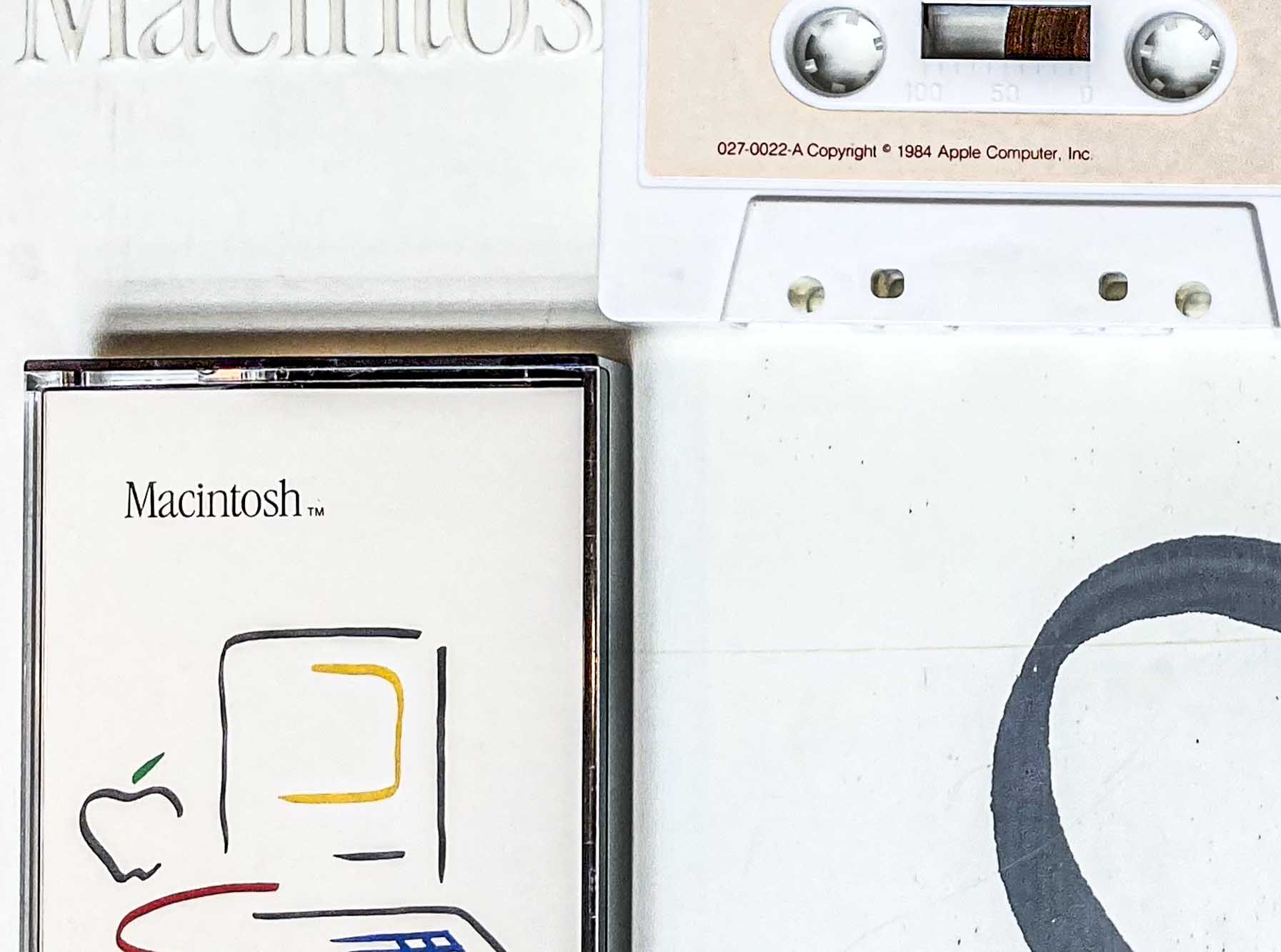

 Off Center & Not Even